
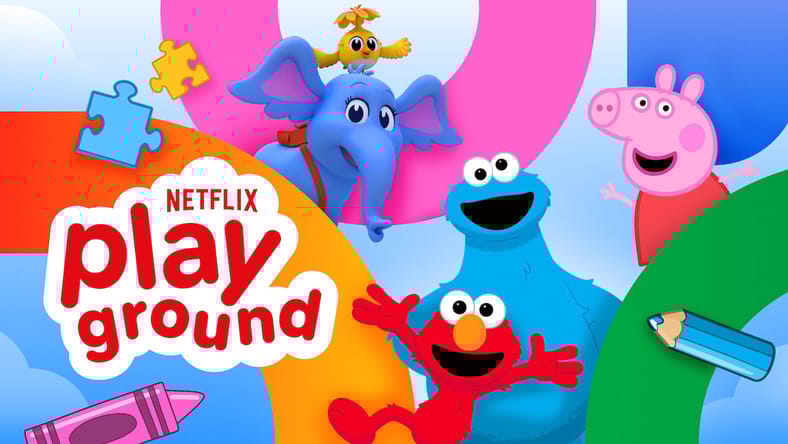
Netflix is expanding its kids’ selections with the Netflix Playground app.
For those who already watch kids’ shows on TV or tablets, this new app will make the whole process more streamlined, less of a headache for parents, and add some fun games along the way.
Netflix Playground
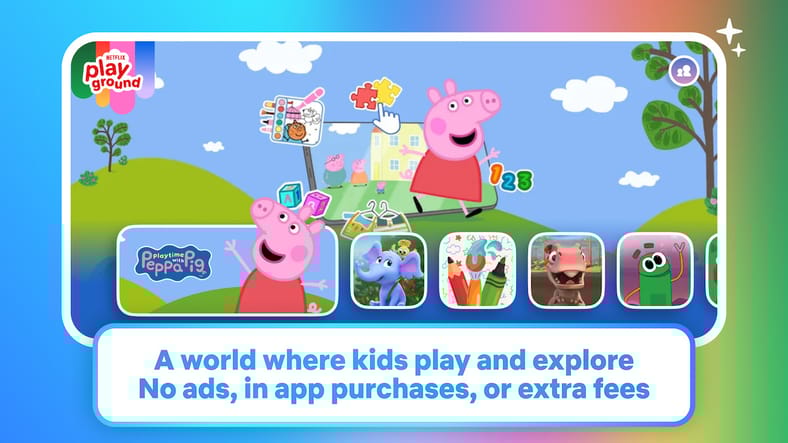
Netflix Playground is a new app that is designed for kids aged 8 and under.
The “all-in-one app for tablets and phones with a growing library of instantly playable games based on beloved shows/movies like Peppa Pig, Dr. Seuss, and Bad Dinosaurs,” also includes “comprehensive parental controls…kids discover at their own pace while giving parents added confidence and peace of mind.”
Unlike other kid-oriented apps on the market, Netflix Playground has no ads or in-app purchases, eliminating a consistent headache with parents. The app is included with a basic Netflix membership, and the games can even be played in “offline mode” without data or WiFi, perfect for airplanes or long trips.
All you need to do is download the app to a smartphone or tablet, sign in to your existing Netflix account, and enjoy a wide library of games for kids.
“We’re building a world where kids can not only watch their favorite stories, they can step inside them and interact with their favorite characters,” John Derderian, Netflix Vice President of Animation Series + Kids & Family TV, shared.
“We’re creating a seamless destination for discovery, learning, and play. Whether it’s reuniting with Hank and the Trash Truck crew for new adventures or making a smoothie with Peppa Pig, watching and playing on Netflix can be the fun and easiest part of every family’s day.”
Games to Play
The Netflix Playground app has a variety of games, including these below:
- Playtime With Peppa Pig – Jump into Peppa’s world with a collection of playful activities. Care for guinea pigs, drive the bus, make a smoothie, and more.
- Sesame Street – Hang out with Elmo, Big Bird, Cookie Monster, Oscar, and more beloved puppet pals. Practice matching with memory cards or coordination with connect-the-dots.
- Dr. Seuss’s Horton! – Explore vibrant jungle environments that encourage creativity through cause-and-effect play with Horton and friends. Try skateboarding and basketball, too!
- Storybots – Have fun with these curious and inquisitive critters through colorful sticker book scenes, jigsaw puzzles, and more.
- Dr. Seuss’s The Sneetches – Join Stella Sneetch on interactive adventures through her world, choose shapes to develop pattern recognition, and build a one-of-a-kind car.
- Bad Dinosaurs– Pick a tiny tyrannosaurus to run on a race track, or jam out with a turntable, keyboard, and sound effects to make a fart-filled new song.
- Dr. Seuss’s Red Fish, Blue Fish – Tap and drag to reveal delightful surprises in the fish’s living room and kitchen play zones, or soar through the air in a hot air balloon.
- Let’s Color – Unleash your creativity with coloring pages featuring your favorite characters.
New Kids Shows
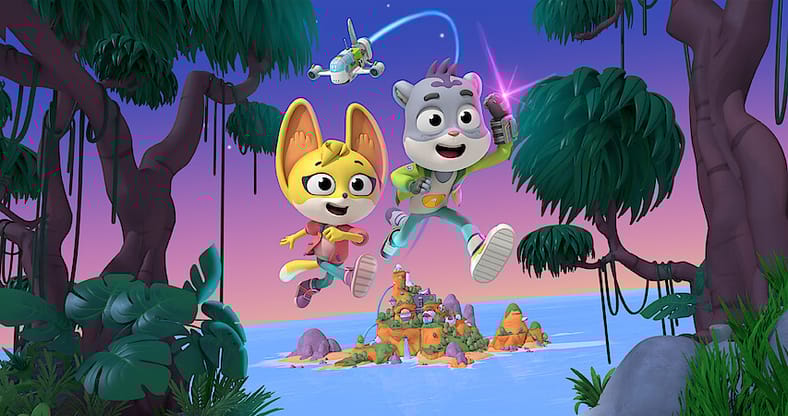
Aligning with the Netflix Playground app launch are several new kids’ shows and renewals for several popular series on the platform.
One new show is Young MacDonald, an animated series based on the well-known nursery rhyme. New seasons of Creature Cases and Trash Truck were also announced.
Other shows to keep an eye out for in the next few months include My Sesame Street Friends: My Elmo, My Sesame Street Friends: My Abby, Gabby’s Dollhouse: The Movie, CoComelon Lane, Dr. Seuss’s Horton!, Mark Rober’s CrunchLabs, Sesame Street, and Ms. Rachel.
Availability
Netflix Playground is available to download in select countries on April 6th on both iOS and Android devices.
These include the United States, Canada, the UK, Australia, the Philippines, and New Zealand. The app will be released to the rest of the world on April 28th.
Parental Controls
The best app for kids provides fun and engaging content, while still allowing parents to guide the journey and keep curious minds in age-appropriate content.
The Netflix Playground app offers a wide variety of parental controls, allowing each parent to tailor the experience to their child’s needs.
This includes individual kids’ profiles, customizable maturity settings, title-level blocking, profile lock PINs, and viewing history and activity tools.